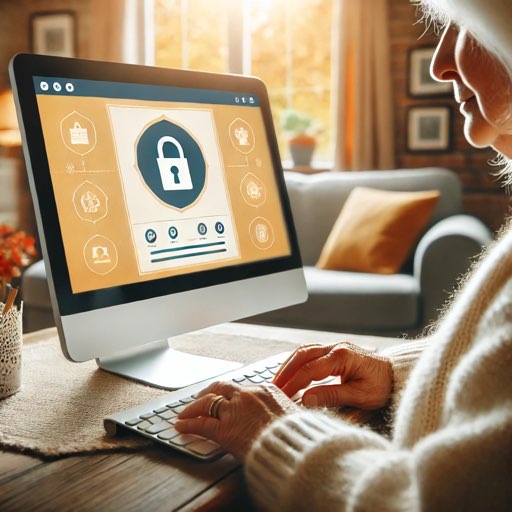
Modern malware spreads through fake updates, unsafe downloads, email scams, and compromised websites. These practical steps reduce risk for home and small-business users.
1. Use Layered Protection
Keep built-in protections enabled (Windows Security or macOS protections) and use reputable endpoint security for active scanning. Layered security catches more threats than relying on one tool.
2. Limit Browser Extensions and Downloads
Install software only from trusted sources and remove extensions you do not actively use. Unverified extensions and cracked installers are common malware entry points.
3. Turn On MFA for Critical Accounts
Protect email, banking, and cloud accounts with multi-factor authentication. Even if a password is stolen, MFA can stop account takeover and data loss.
4. Spot Phishing Before You Click
Verify sender domains, avoid urgent scare tactics, and never run unexpected attachments. When in doubt, contact the company directly through its official website.
5. Keep a Recovery Plan Ready
Use regular backups and test recovery. If malware hits, clean restores are often the fastest way to recover important files and get back to work.
Consistent habits beat one-time fixes. Treat malware prevention as a routine, not a one-off task.
Related Services
Need help with what you just read? Our local technicians in Palm Bay & Melbourne are ready.
Our Other Websites
Visit techezeai.com and reliablewebstudio.com.